IPTV devices: 9 Practical Essential Picks for UK Living Rooms
A practical guide to choosing IPTV devices, helping UK users match budget, performance, and network needs so you get reliable playback and easy setup.

Tabitha Monroe
•
6 min read
•
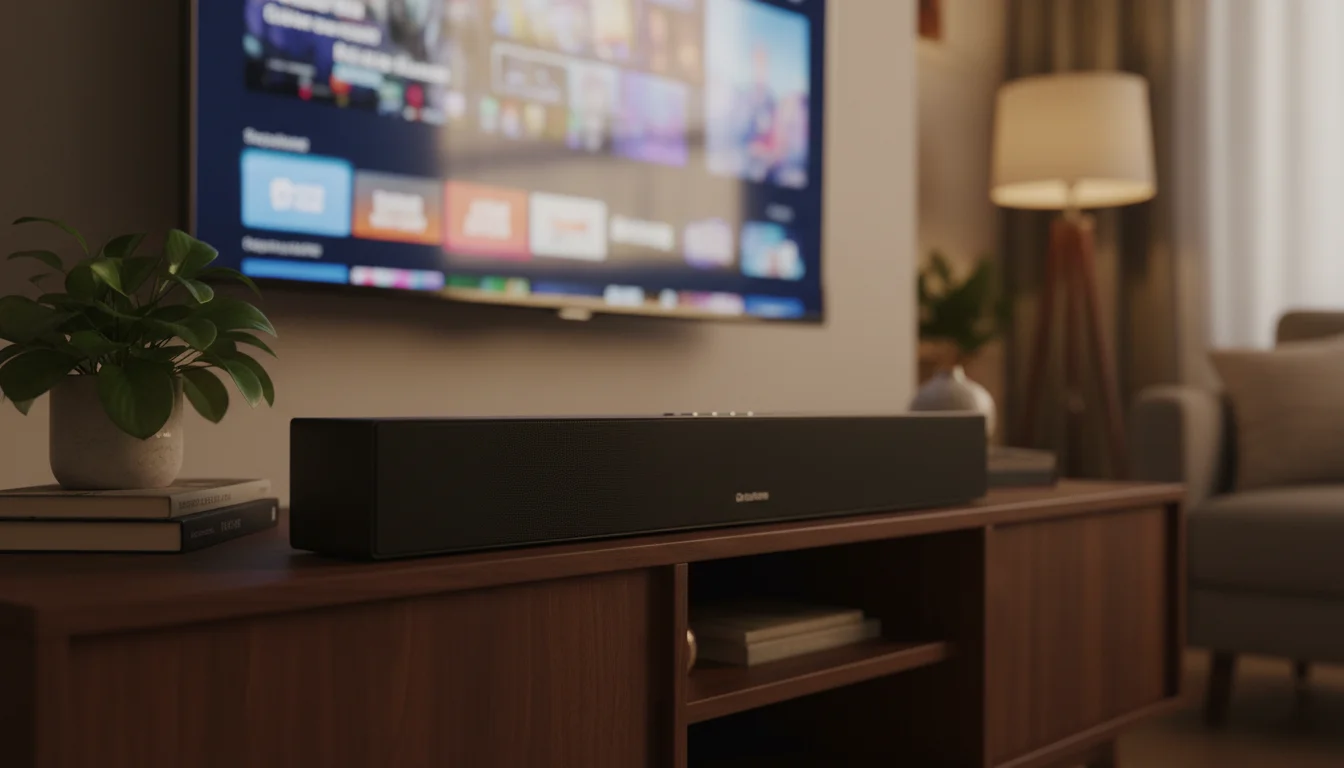
IPTV devices come in many shapes, from low cost set top boxes to full Android TV players and DIY Raspberry Pi builds. This guide walks UK users through realistic trade offs so you can pick hardware that fits your living room, budget, and network.
That’s why the article focuses on real home scenarios and measurable expectations. In practice, you will find clear notes on 720p, 1080p, and 4K playback, codec support, network requirements, and the maintenance you should plan for. Understanding these parts makes choosing the right device much faster.
Common device categories and what they mean for IPTV devices in the UK
See the typical classes of hardware you will encounter, how each one behaves in a living room, and which user needs they match.
This section gives a quick mental map before deeper comparisons.
Start with the categories you will actually see in the market: cheap Linux set top boxes often called MAG boxes, low cost Android TV sticks and Firestick clones, full Android TV boxes or smart TVs, and DIY players based on Raspberry Pi. Those categories differ in CPU, DRM, and software update support.
In practice, MAG boxes are inexpensive and geared toward basic IPTV streams, but they often lack modern codec support and timely firmware updates. The catch is that they work well for 720p and many 1080p streams when the provider uses simple MPEG transport streams.
When you move to Android TV devices, you gain a more complete app ecosystem and better hardware decoding for modern codecs. This matters because modern streams increasingly use H.264 or HEVC, and having a device with dedicated decoding reduces CPU load.
| Category | Typical cost | Best for | Notes |
|---|---|---|---|
| MAG box | Low | Basic IPTV, 720p | Cheap, limited updates |
| Android TV box | Mid | Apps, 1080p, 4K | Better codecs, app store |
| Firestick | Low to mid | Streaming apps | Tied to Amazon ecosystem |
| Raspberry Pi | Low to mid | DIY, customization | Flexible, needs setup |
That’s why mapping these categories to your priorities first saves time when shopping.
Performance expectations for 720p, 1080p, and 4K streams
Understand the hardware and network that support each resolution tier, and what trade offs to expect in cost, reliability, and energy use.
Define the stream tiers clinically: 720p is lightweight, 1080p is moderate, and 4K is bandwidth heavy and often requires hardware decoding. Why it matters: choosing the wrong device for a 4K service leads to stutter, high CPU usage, or dropped streams.
In practice, a device with hardware decoding for H.264 and HEVC will handle 1080p smoothly and most 4K streams if the SoC is rated for it. The catch is that many low cost boxes lack HEVC decoding, so they rely on the CPU and introduce dropped frames.
When you consider network, 720p streams typically need 2.5 to 4 Mbps, 1080p needs 6 to 12 Mbps, and 4K requires 15 to 35 Mbps depending on codec and bitrate. This means your home network must sustain those rates without congestion, especially if multiple devices stream.
If you expect to use 4K regularly, choose a device with gigabit Ethernet or a strong dual band Wi Fi radio. That reduces buffering and keeps playback consistent during peak household use.
Android TV and Firestick pros and cons
A candid look at Android TV boxes and Amazon Fire devices, what they do well for IPTV, and where they fall short in DRM, app availability, and updates.
Start with the upside: Android TV devices generally offer a full app ecosystem, Google Play access on certified units, and broad codec support on modern hardware. Why it matters: having a supported app can simplify setup when your IPTV provider supplies an app.
In practice, certified Android TV hardware also includes better remote control integrations and formal certification for video playback. The catch is that mid tier boxes may be uncertified and lack Widevine or other DRM levels, which affects some commercial streams.
When you look at Firestick devices, they are affordable and tuned for Amazon services, and they can work for IPTV apps available on the Fire OS store. On the other hand, Fire OS is a fork of Android so sideloading is possible but requires extra steps.
If you need a polished living room experience with automatic updates and easy app installs, opt for a reputable Android TV box or a smart TV with Android TV built in. That gives a balance of performance and usability for family members.
MAG boxes and purpose built set top boxes explained
Learn what MAG-style boxes are optimized for, the firmware trade offs you should expect, and when their simplicity is actually an advantage for IPTV in a UK household.
Define MAG boxes as purpose built set top boxes often provided by IPTV vendors or sold cheaply online. Why it matters: their firmware is usually simple, and that can be an advantage when you want a no-frills, dedicated player.
That’s why many users pick MAG boxes for single channel lists and straightforward playlists, because the UI is focused on channel lists rather than app ecosystems. The catch is firmware updates are inconsistent, and some boxes use older chipsets that lack modern codec and container support.
When you evaluate MAG hardware, check for supported container types like TS and MPEG-TS, and confirm if the vendor supports newer transports such as HLS. This prevents surprises when a provider moves to adaptive streaming.
If you prefer low cost and minimal configuration, a MAG box can be ideal. Otherwise, if you want longevity and app choices, consider moving up to an Android TV device.
Using Raspberry Pi and DIY players for advanced users
Explore the Raspberry Pi option if you like customization, know basic Linux, and want precise control over codecs and player software.
Start with the Raspberry Pi as a flexible platform for custom IPTV players, using software such as LibreELEC, OSMC, or a dedicated player stack. Why it matters: a Pi gives you control over buffering, player choices, and network tuning.
In practice, Raspberry Pi models with hardware H.264 decode handle 1080p well, and newer Pi models with HEVC support can approach 4K in some builds. The catch is that setting this up requires comfort with flashing images, configuring network mounts, and occasionally compiling or tweaking middleware.
When you choose a Pi, plan for accessories: a reliable SD card, a case with cooling, and ideally Ethernet or a USB 3.0 NIC for stable throughput. That reduces SD card corruption and network jitter during playback.
If you want an inexpensive, upgradeable player and you enjoy hands on configuration, a Raspberry Pi can deliver excellent performance at low cost.
RecommendedFor reliable IPTV service with stable streaming and broad device support, consider our trusted option or explore another reliable provider.
Storage, codecs, and firmware concerns to watch for
Understand what to check on product pages: supported codecs, storage type, firmware update frequency, and why each item matters for smooth IPTV playback.
Define the key specs to check: hardware codecs (H.264, HEVC), container support, firmware update policy, and storage type. Why it matters: device firmware and codec support directly affect playback reliability and compatibility with modern streams.
In practice, avoid devices that list only software decoding or limited codec sets. The catch is that some vendors advertise high resolutions but use software scaling which overloads the CPU and causes frame drops.
When you read product pages, look for explicit mentions of Widevine or DRM if you need protected content. Also check whether updates are delivered over the air, and how frequently the vendor publishes security updates.
If storage is needed for DVR or catch up, prefer devices with USB or expandable storage and reliable filesystem support. That way you avoid playback issues caused by slow SD cards or unsupported file systems.
Remote control, UX, and family friendliness comparisons
Compare remotes, app stores, and parental control options so the whole household can use the device without tech support.
Start by prioritizing who will actually use the device, and whether you need voice search, simple channel lists, or a child lock. Why it matters: a technically capable device is useless if the rest of the household cannot operate it easily.
In practice, Android TV remotes and Firestick remotes offer voice and navigation that reduce friction. The catch is that MAG boxes may use clunky remotes and on screen guides that are not intuitive for non technical users.
When you evaluate UX, check whether the launcher can be simplified, and whether remote pairing is straightforward. Also look at app availability if family members prefer BBC iPlayer, ITVX, or Netflix alongside IPTV channels.
If ease of use is the priority, choose a device with a straightforward setup flow and a remote the family can manage. That reduces calls for help and keeps the living room peaceful.
Network interface options and when to use Ethernet
Decide between Wi Fi and wired connections, understand when gigabit Ethernet is required, and learn simple network checks to avoid buffering.
Define the two main choices: Wi Fi for convenience and Ethernet for reliability. Why it matters: IPTV performance depends on consistent packet delivery as much as peak bandwidth.
That’s why Ethernet is the recommended option for 1080p and 4K streams, because wired links eliminate interference and reduce latency. The catch is that poorly configured home networks, overloaded routers, or old cabling can still cause drops.
When you cannot run a cable, prefer dual band Wi Fi with 5 GHz for reduced interference, and position the router near the viewing area. Also test with simple throughput tools to confirm sustainable rates above the stream bitrate.
If multiple devices stream concurrently, consider a switch or QoS rules on your router. That keeps IPTV traffic prioritized and prevents degradation during busy hours.
Longevity, updates, and when to replace hardware
Plan the lifecycle for your IPTV devices, recognise signs that a unit is past its useful life, and map sensible replacement timelines for security and performance.
Start with realistic lifecycle expectations: low cost boxes often need replacing within two to three years, while quality Android TV devices and smart TVs last longer with updates. Why it matters: outdated firmware can introduce playback errors and security risks.
In practice, signs to replace hardware include persistent stuttering despite network checks, lack of supported codecs for new streams, or no firmware updates from the vendor. The catch is that some devices appear functional but are incompatible with new provider requirements.
When you plan replacements, factor in the cost of time spent troubleshooting older gear versus buying a modestly priced modern device. Also consider that reputable vendors publish update logs and have clearer pathways for security patches.
If you want low maintenance, pick hardware from vendors with known update histories and documented support. That reduces surprises and keeps your IPTV setup working smoothly for years.