IPTV Providers: 9 Simple and Essential Tips for the Family
A clear guide to compare IPTV providers in France, evaluating reliability, stream quality, and support to choose a plan suitable for a family budget.

Rowan Fletcher
•
6 min read
•
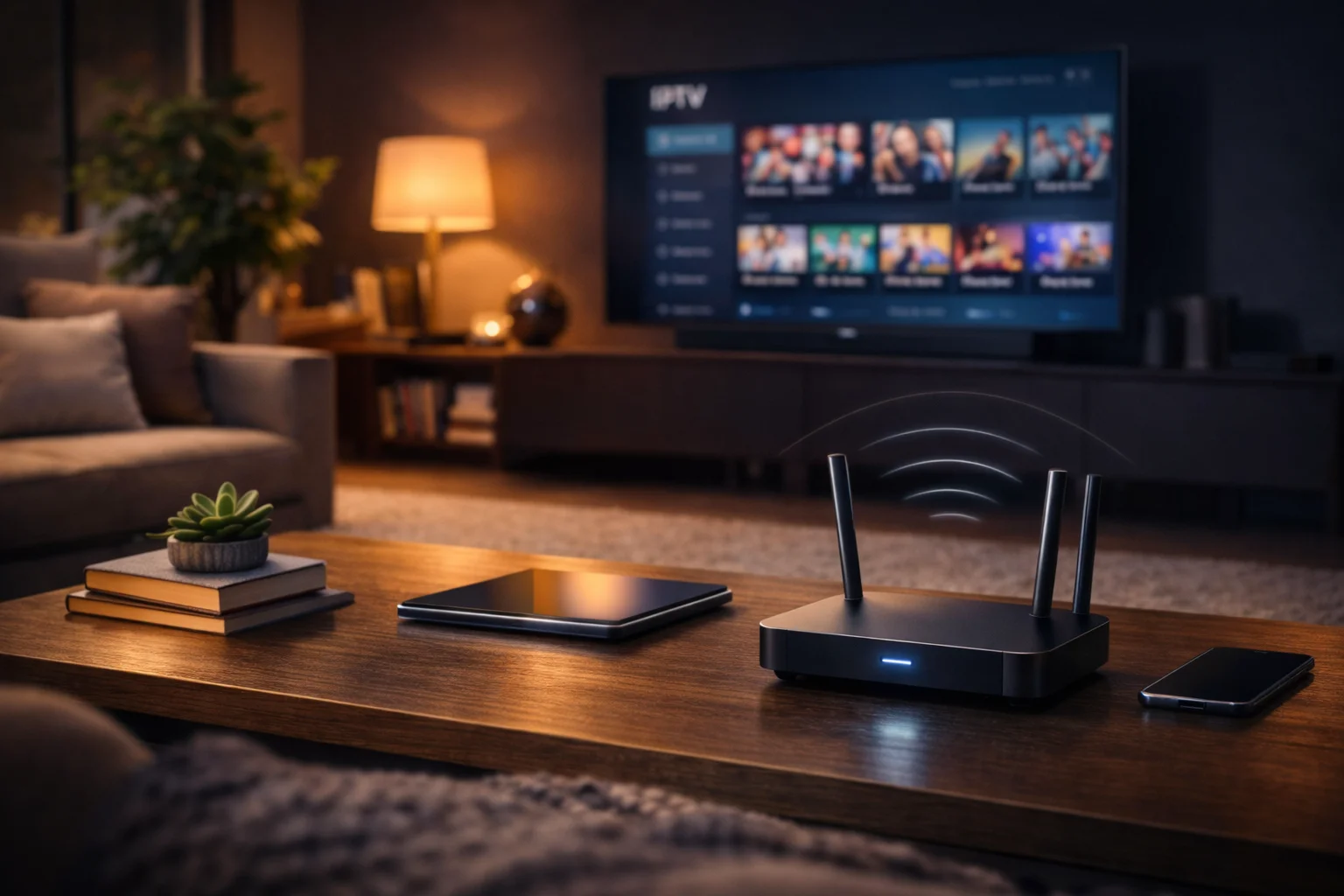
Searching for a provider can quickly become confusing, especially when looking for a stable and economical option for the whole family. IPTV providers are the focal point of this guide, designed to help you identify the criteria that really matter.
Next, I review common issues, and I offer concrete and easy-to-implement solutions. You will find tips on stream stability, the catalog, VOD, support, pricing, and warning signs to avoid. To start, if you need a technical definition, the IPTV page provides a good general overview.
Criteria for Evaluating IPTV Providers in France
What you need to check.
Provides concrete benchmarks to sort offers. Emphasizes security, transparency, and compliance.
When comparing providers, start with the technical and contractual basics. Check the source of the streams, legal mentions, and whether the provider clearly indicates the commitment duration and cancellation terms. IPTV providers that are reliable publish information about their infrastructure, such as using CDNs, and provide details about supported formats.
In practice, ask what technology is used for distribution, such as HLS or MPEG-DASH, as this affects compatibility and buffering management. After this technical definition, why it matters: a clear infrastructure reduces interruptions and simplifies troubleshooting for a family watching simultaneously on multiple screens.
Finally, check customer reviews on reputable sites and the presence of a commercial contact or hotline. Transparency about the company address and payment methods is a good indicator of seriousness. If you see offers without legal information, move on.
Stream Stability and Service Guarantees
Identifies causes of interruptions.
Explains guarantees and SLAs to request. Offers simple tests to perform before buying.
Stream stability is often the most important criterion for a household. Start by asking the provider if they offer a service commitment or SLA, and what the maximum downtime rate is. Then, test the connection with a trial or short period to observe interruptions and quality during peak hours.
In practice, check if the provider uses modern protocols like HLS or MPEG-DASH. After this technical explanation, why it’s useful: well-supported protocols enhance the experience on Android boxes, Smart TVs, and mobile devices.
The catch is that some vendors promise high bandwidth without indicating the actual load on their servers. Therefore, ask how many simultaneous users your subscription supports and whether backup options exist in case of failure.
Catalog Quality and Available Channels
Know if the catalog meets your expectations.
Check local and international channels. Prioritize family offerings and child protections.
The catalog determines the perceived value of the subscription. Start by listing the must-have channels for your household, including regional, sports, and children’s channels. Then compare if they are included in the basic package or as paid options.
That said, also look at the advertised video quality, SD, HD, or 4K, and whether adaptive bitrate options are provided. After this definition, why it matters: a channel available but in low quality does not offer the same experience, especially for large screens in the living room.
The catch is that some providers showcase a large number of channels, but many are redirects or duplicated streams. Prefer clearly presented lists, and ask for an overview or a schedule before committing.
VOD and Replay Options with Providers
Explore VOD libraries.
Understand replay limitations. Check multi-screen compatibility for movies and series.
Nowadays, access to VOD and replay is almost essential. Start by checking if the provider includes a VOD library, if the titles are recent, and if on-demand rentals exist. Next, inquire about the duration of replay retention and geographical restrictions.
In practice, also ask if VOD is accessible simultaneously on multiple accounts or devices. After this clarification, why it’s important: a family may want to watch different content at the same time, and strict limitations make the offer less convenient.
If you care about recent French content, check broadcasting rights. Some cheap offers only cover a limited catalog with few new releases.
Customer Support, Updates, and Compatibility
Check support responsiveness.
Confirm compatible devices. Look for the frequency of software updates.
Customer support is critical when a household needs quick help. First, test the response time by contacting support before buying. Next, ask what channels are available: chat, email, phone, and hours of operation.
In practice, confirm compatibility with your devices: smart TVs, Android boxes, Apple TV, and mobile apps. After this definition, why it matters: a poorly updated app causes bugs and black screens, which worsens the family experience.
The catch is that some providers officially support few devices but provide unofficial configuration files. Prefer services that publish update notes and have an active user forum. For inquiries in France, you can consult ARCEP or consumer reviews for repeated incidents.
RecommendedFor reliable IPTV service with stable streaming and broad device support, consider our trusted option or explore another reliable provider.
Pricing Models and Free Trials
Compare fixed prices and monthly offers.
Understand trials, promos, and commitments. Evaluate the real cost for a family.
Pricing models vary widely, so compare the monthly cost, installation fees, and options. Start by choosing between a monthly subscription without commitment and a limited-time package. Then check the presence of a free trial or a satisfaction guarantee.
The consequence is that the listed price may hide additional fees for premium channels or multi-screen options. After this explanation, why it’s useful: knowing the total cost avoids unpleasant surprises and allows budgeting for multiple screens.
In practice, run a simulation over 12 months to compare the actual cost per user. If a promotion seems too good to be true, check the conditions and the effective duration of the offer. To learn about consumer rights, consult resources like Que Choisir.
Signs of a Dubious Offer to Avoid
Spot common alerts.
Signs of illegal or unstable supplies. Practical tips for protection.
There are clear signs that an offer should be avoided. The first sign is the absence of legal information, such as an address or a SIRET number. Next, the promise of hundreds of international channels at an extremely low price is suspicious. After this warning, why it matters: non-compliant offers can disappear overnight and expose the user to legal risks.
The catch is that some sites circumvent the rules by frequently changing domains. Therefore, avoid sellers that do not provide an official invoice or who only accept payments in cryptocurrency. Finally, watch for testimonials indicating repeated interruptions and non-existent support.
Questions to Ask Before Subscribing
A checklist of essential questions.
Practical for calls or commercial chats. Allows for quick comparison of responses.
Before subscribing, ask these simple questions to verify the provider’s credibility.
- What is the minimum commitment duration
- What channels are included in the basic package
- Is there a free trial or guarantee
- How many devices can connect simultaneously
- What are the refund and cancellation policies
In practice, take note of the answers and request confirmation in writing. After this list, why it’s useful: having clear answers helps you avoid hidden fees and unforeseen restrictions. If the salesperson avoids certain questions or gives vague answers, it’s a warning signal.
Summary Sheet for Comparing Providers
A quick comparison table.
Allows you to note strengths and weaknesses. Designed for family use and budget-oriented.
In conclusion, use a simple table to compare 3 or 4 providers side by side. Here’s an example of a summary sheet to fill out during your exchanges.
| Criteria | Provider A | Provider B | Provider C |
|---|---|---|---|
| Monthly Price | |||
| Commitment | |||
| Key Channels | |||
| Quality (HD/4K) | |||
| Free Trial | |||
| Support | |||
| Multi-Screen |
In practice, fill out this table after your free tests and your contacts with support. After this method, why it’s convenient: you will have a clear overview to choose the most suitable offer for your family and budget. Finally, keep invoices and screenshots of the conditions for any future claims.